
Admin
Joined - December 2025

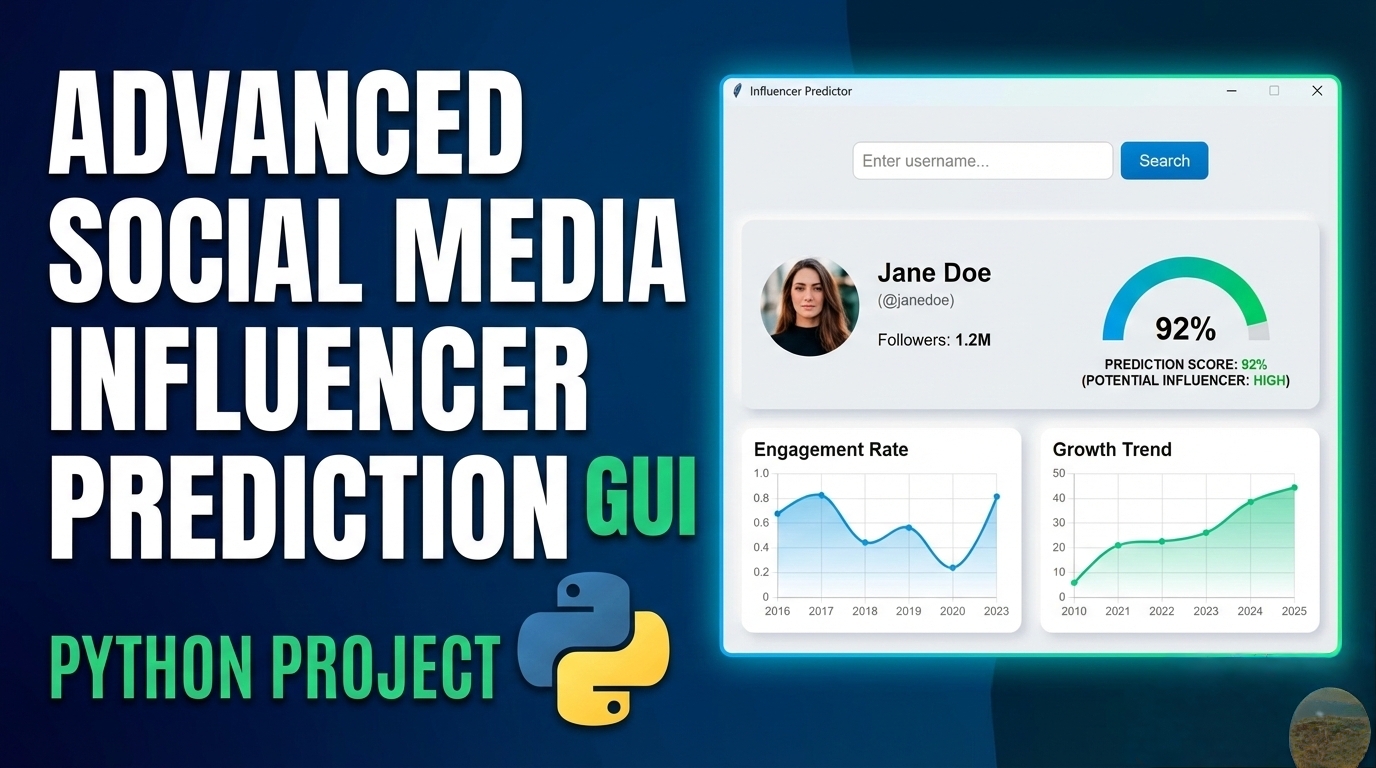
Key Features: 1. Modern Dark Theme Interface
Professional color scheme with dark mode
Responsive layout with cards and frames
Custom styling with ttk themes
2. Prediction Engine
Random Forest Classifier for predictions
Multi-platform support (Instagram, YouTube, TikTok, Twitter)
Real-time prediction with confidence scores
Tier-based potential classification
3. Data Visualization
Pie charts for success distribution
Scatter plots for engagement vs followers
Analytics charts for different metrics
Real-time chart updates
4. Advanced Functionality
Model Training: Customizable training parameters
Batch Prediction: Process multiple records at once
Data Import/Export: CSV, JSON, Excel support
Model Persistence: Save/load trained models
Analytics Dashboard: Comprehensive metrics display
5. Professional Components
Tabbed interface with Notebook widget
Interactive tree views for data display
Progress bars for long operations
Threading for non-blocking operations
Tooltips and status indicators
6. Data Management
Sample dataset generation
Data validation and error handling
History tracking and results storage
Clear data functionality
7. Reporting & Export
Generate detailed analysis reports
Export predictions in multiple formats
Save visualization charts
Print-friendly report generation
To run the application:
Install required packages:
bash
pip install pandas numpy scikit-learn matplotlib seaborn pillow openpyxl
Save the code as influencer_predictor.py
Run the application:
bash
python influencer_predictor.py Usage Instructions:
Start by loading data:
Use "Load Sample Dataset" for demonstration
Or load your own CSV/Excel file with influencer metrics
Train the model:
Go to "Model Training" tab
Adjust parameters if needed
Click "Train Model"
Make predictions:
Enter metrics in sidebar
Select platform
Click "PREDICT INFLUENCER"
View results:
Check "Predictions" tab for history
View analytics in charts
See dashboard metrics
Get the updates.
Up to Top
Comments