
Admin
Joined - December 2025

Installation and Setup Instructions
Install Required Libraries:
bash
pip install requests pillow
Get an API Key:
Go to OpenWeatherMap and sign up for a free account
After signing in, go to the API keys section and generate a new key
Replace "YOUR_API_KEY_HERE" in the code with your actual API key
Run the Application:
bash
python weather_app.py Features of This Advanced Weather App:
Modern UI Design:
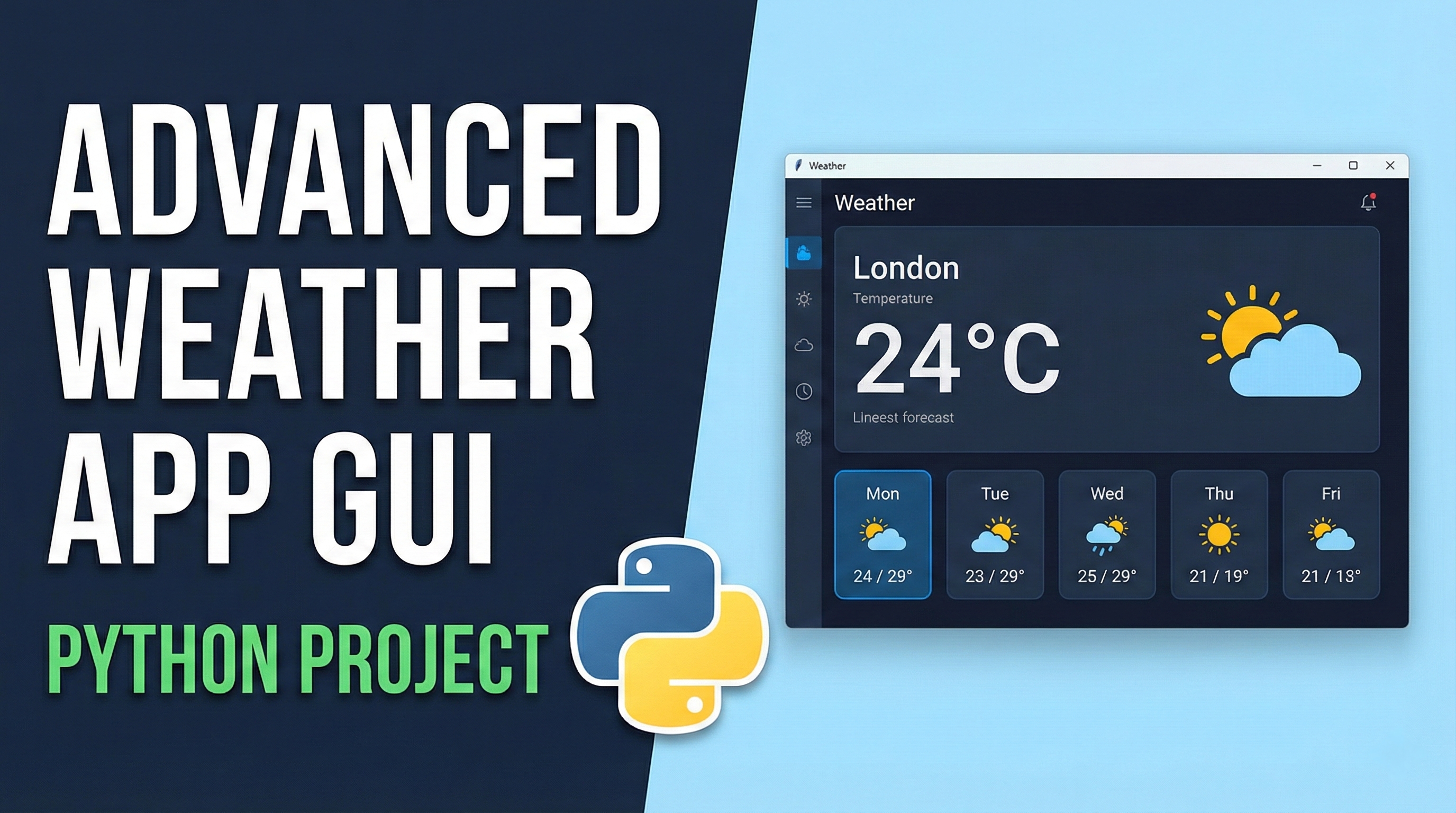
Dark theme with visually appealing color scheme
Card-based layout for better organization
Responsive design that adjusts to window size
Weather Information:
Current temperature with "feels like" temperature
Weather condition with emoji icons
Humidity, pressure, wind speed, and visibility
Sunrise and sunset times
Forecast Display:
5-day weather forecast
Day names, temperatures, and conditions
Visual separation between days
City Management:
Dropdown with predefined popular cities
Recent searches with quick access buttons
Manual city entry with autocomplete
Error Handling:
Connection error handling
Invalid city name validation
User-friendly error messages
Persistent Data:
Recent searches saved to file
Restores recent searches on app restart
Notes:
The free OpenWeatherMap API has a limit of 60 calls per minute, which is sufficient for personal use.
If you encounter any issues with the API key, make sure:
Your API key is correctly entered
You've activated your OpenWeatherMap account (check your email)
You're using the correct city name
The app uses emoji icons for weather conditions. If these don't display correctly on your system, you could replace them with image icons.
For production use, consider:
Adding error logging
Implementing API key rotation
Adding more weather details
Implementing unit conversion (Celsius/Fahrenheit)
Get the updates.
Up to Top



Comments