
Admin
Joined - December 2025

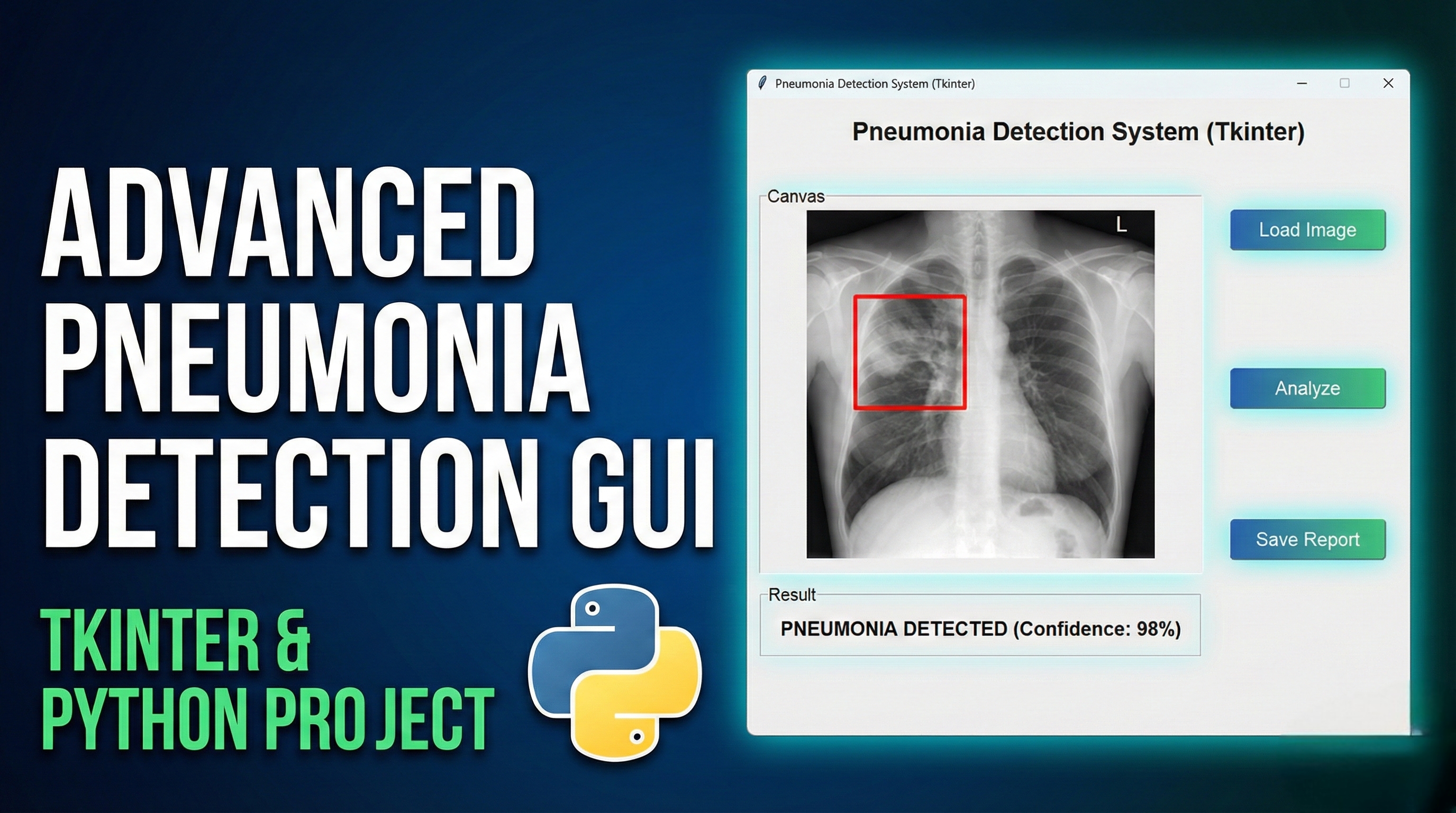
Features of this Pneumonia Detection GUI Application:
Professional Medical Interface:
Clean, medically-themed color scheme
Intuitive tab-based navigation
Responsive layout with clear sections
Image Management:
Upload chest X-ray images (PNG, JPG, JPEG, BMP, TIFF)
Image preprocessing simulation (grayscale conversion, contrast enhancement)
Image display with size information
Patient Management:
Patient information form with sample data
Symptom tracking
Patient history selection
AI Detection Simulation:
Simulated pneumonia detection algorithm
Confidence scoring with visual indicators
Processing animation during analysis
Comprehensive Results:
Clear pneumonia detection results (Normal/Pneumonia)
Visual confidence indicator
Medical recommendations based on results
Report generation capability
History & Analytics:
Detection history tracking
Statistical analysis of cases
Export functionality for records
How to Use:
Run the application
Go to "Patient Information" tab and enter/save patient details
Upload a chest X-ray image using the "Upload X-Ray Image" button
Optionally preprocess the image
Switch to "Detection & Results" tab and click "Run Pneumonia Detection"
View the results, confidence score, and recommendations
Check the "Analysis & History" tab for statistics and past detections
Get the updates.
Up to Top



Comments