
Admin
Joined - December 2025

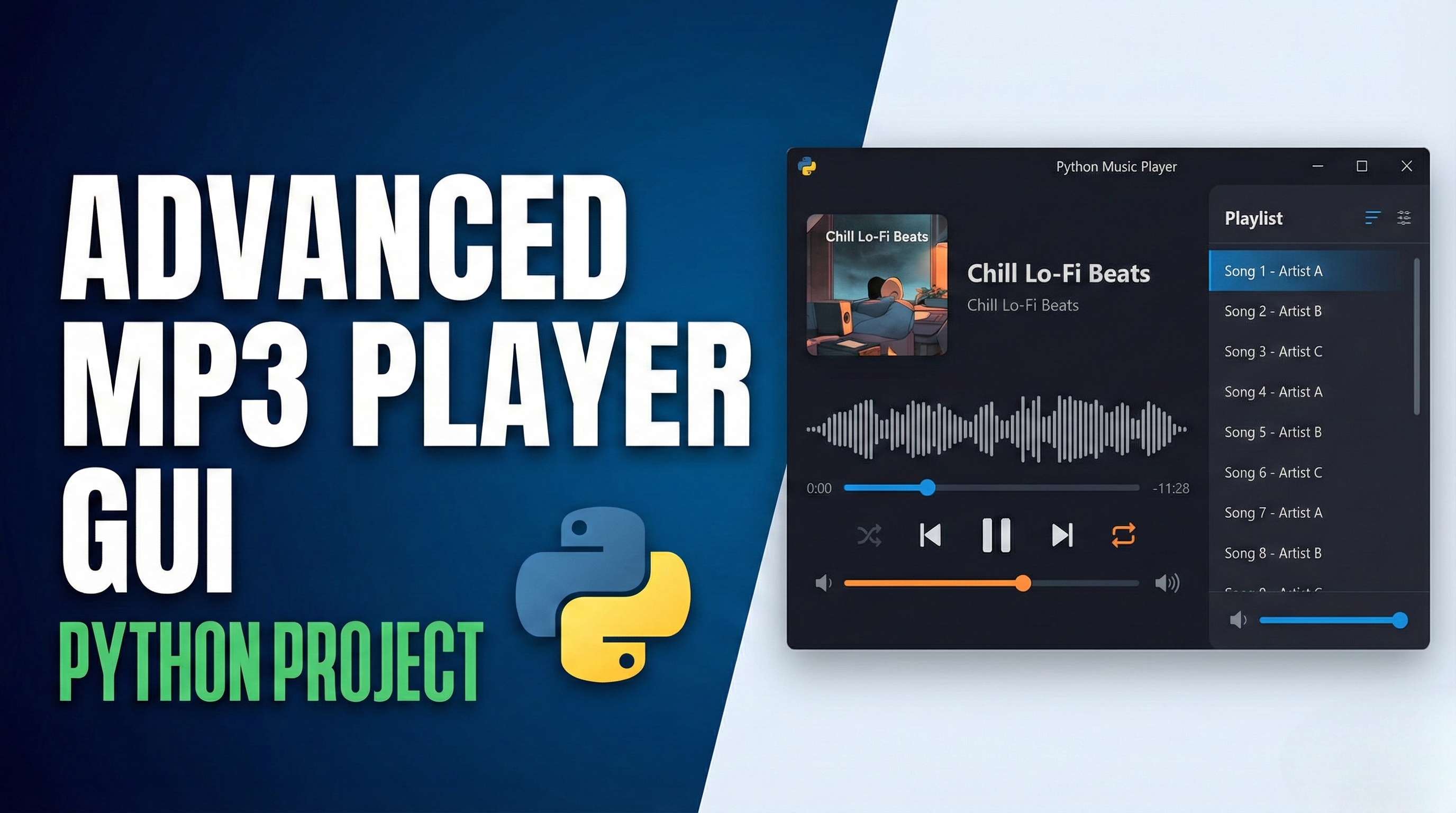
Features of this Advanced MP3 Player:
Modern UI with Multiple Themes:
Dark, Light, and Purple themes
Clean, visually appealing interface
Complete Playback Controls:
Play, pause, stop functionality
Previous and next track navigation
Volume control with visual indicator
Playlist Management:
Add individual songs or entire folders
Remove selected songs or clear entire playlist
Double-click to play songs directly from playlist
Advanced Features:
Shuffle mode for random playback
Repeat modes: off, repeat all, repeat one
Song progress bar with seeking capability
Visual audio visualization
Song Information Display:
Shows song title, artist, and album from MP3 metadata
Displays elapsed and total time
Highlights currently playing song in playlist
Status Updates:
Real-time feedback on player actions
Shows current playlist count
Installation Requirements:
Before running the player, install the required libraries:
bash
pip install pygame mutagen pillow How to Use:
Run the script to launch the MP3 player
Use the "Add Songs" or "Add Folder" buttons to load MP3 files
Click the play button or double-click a song in the playlist to start playback
Use the control buttons to navigate between songs
Try different themes using the palette button in the top-right
Adjust volume using the slider next to the volume icon
The player supports standard MP3 files and reads ID3 metadata when available. The visualizer provides a dynamic representation of audio playback even without actual audio analysis (simulated with random heights for visual effect).
Get the updates.
Up to Top
Comments