
Admin
Joined - December 2025

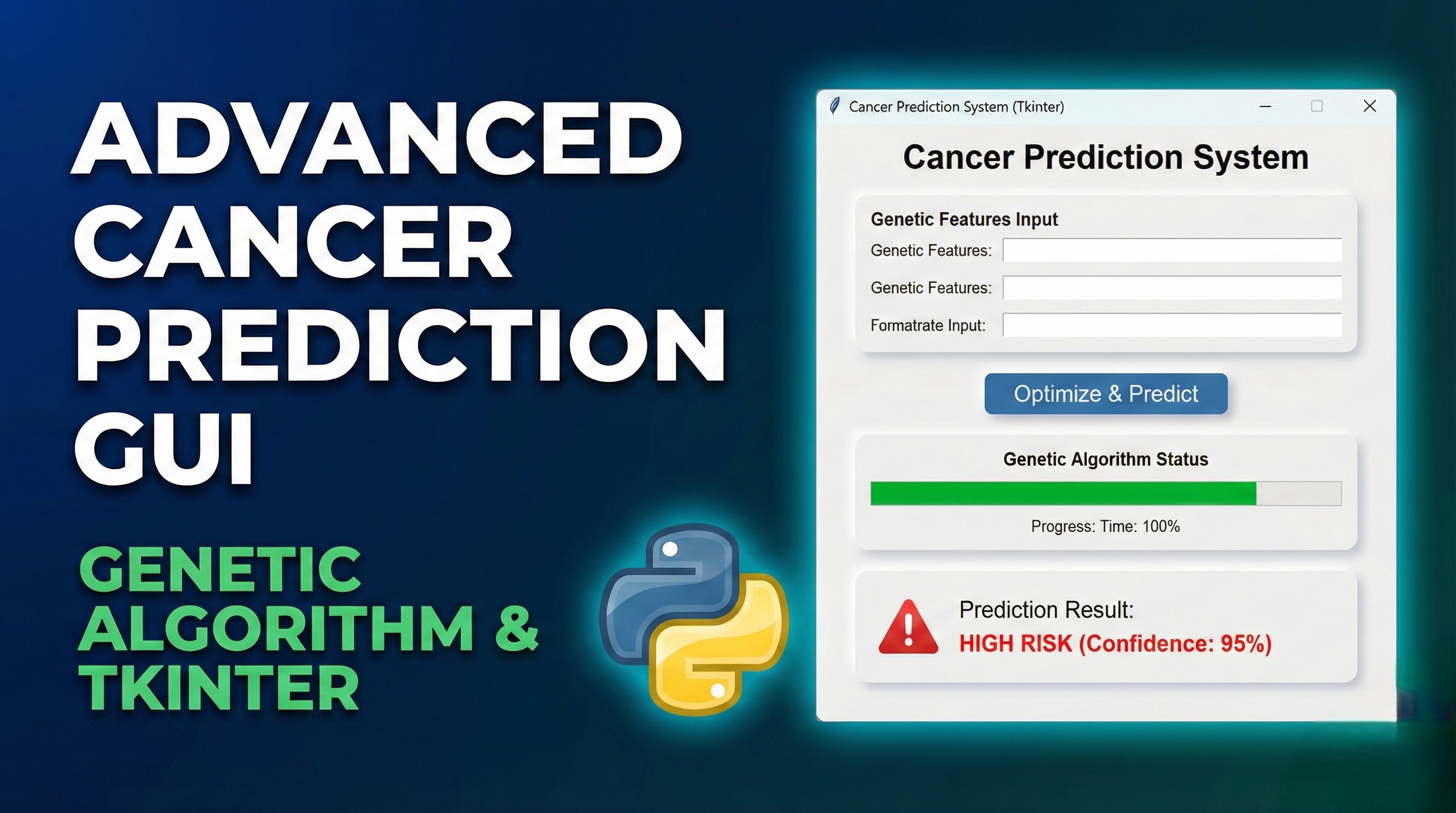
Key Features:
Comprehensive Dashboard:
Dataset statistics display
Quick action buttons
Recent results panel
Genetic Algorithm Configuration:
Adjustable parameters (population size, generations, crossover/mutation rates)
Real-time progress tracking
Best solution display
Visual Analysis Tab:
Fitness history plot
Feature distribution visualization
Confusion matrix display
Interactive matplotlib plots
Prediction Interface:
Manual input for all features
Prediction with all features or GA-selected features
Probability display with color coding
Sample data loading
Logging System:
Timestamped operation log
Save/clear log functionality
Status bar updates
Advanced Functionality:
Multi-threading for GA execution
Feature importance ranking
Model performance metrics
Professional styling and layout
To Use the Application:
First Run:
The app automatically loads the breast cancer dataset
Check the Dashboard for dataset statistics
Run Genetic Algorithm:
Go to "GA Configuration" tab
Adjust parameters if needed
Click "Run Genetic Algorithm"
Monitor progress in real-time
Analyze Results:
View selected features in the Best Solution panel
Go to "Analysis" tab for visualizations
Plot fitness history, feature distributions, etc.
Make Predictions:
Go to "Prediction" tab
Enter feature values or load sample data
Choose prediction method
View results with probabilities
Get the updates.
Up to Top



Comments