
Admin
Joined - December 2025

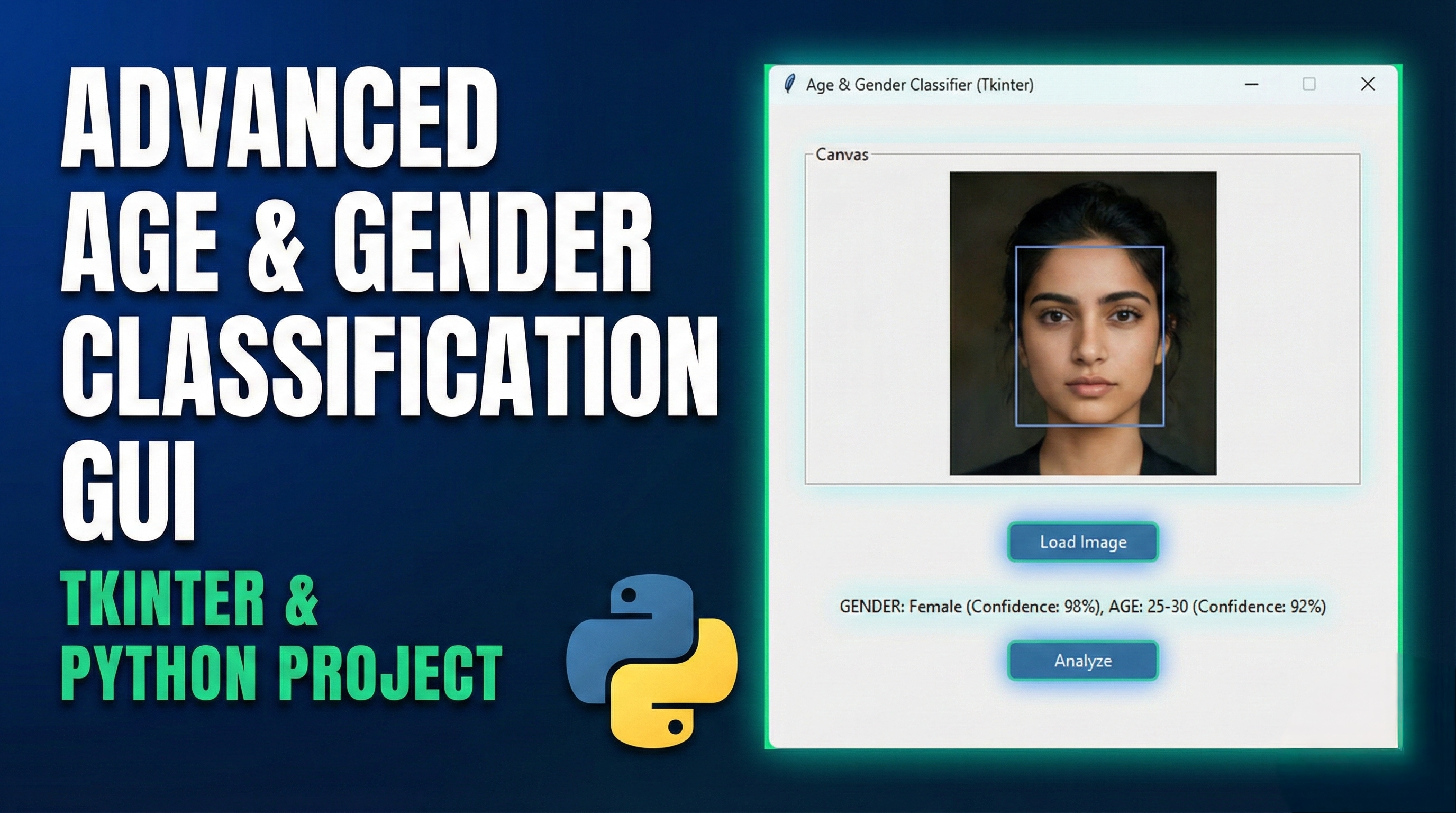
Features of this Age and Gender Classification GUI:
Modern UI Design:
Clean, card-based layout with appropriate spacing
Professional color scheme with blue accents
Segoe UI font for better readability
Core Functionality:
Image upload capability
Sample image selection for testing
Age and gender classification simulation
Confidence indicator with progress bar
Age group categorization
Results Display:
Clear presentation of classification results
Visual confidence indicator
Status updates for user feedback
History Tracking:
Treeview widget to display classification history
Timestamp, age, gender, and confidence for each classification
Limited to 10 most recent entries
Responsive Design:
Panels expand to fill available space
Proper widget alignment and padding
How to Use:
Run the application
Upload an image using the "Upload Image" button
Or use a sample image with the "Use Sample" button
Click "Classify Age/Gender" to run the classification
View results in the right panel
Track previous classifications in the history section
Get the updates.
Up to Top


Comments