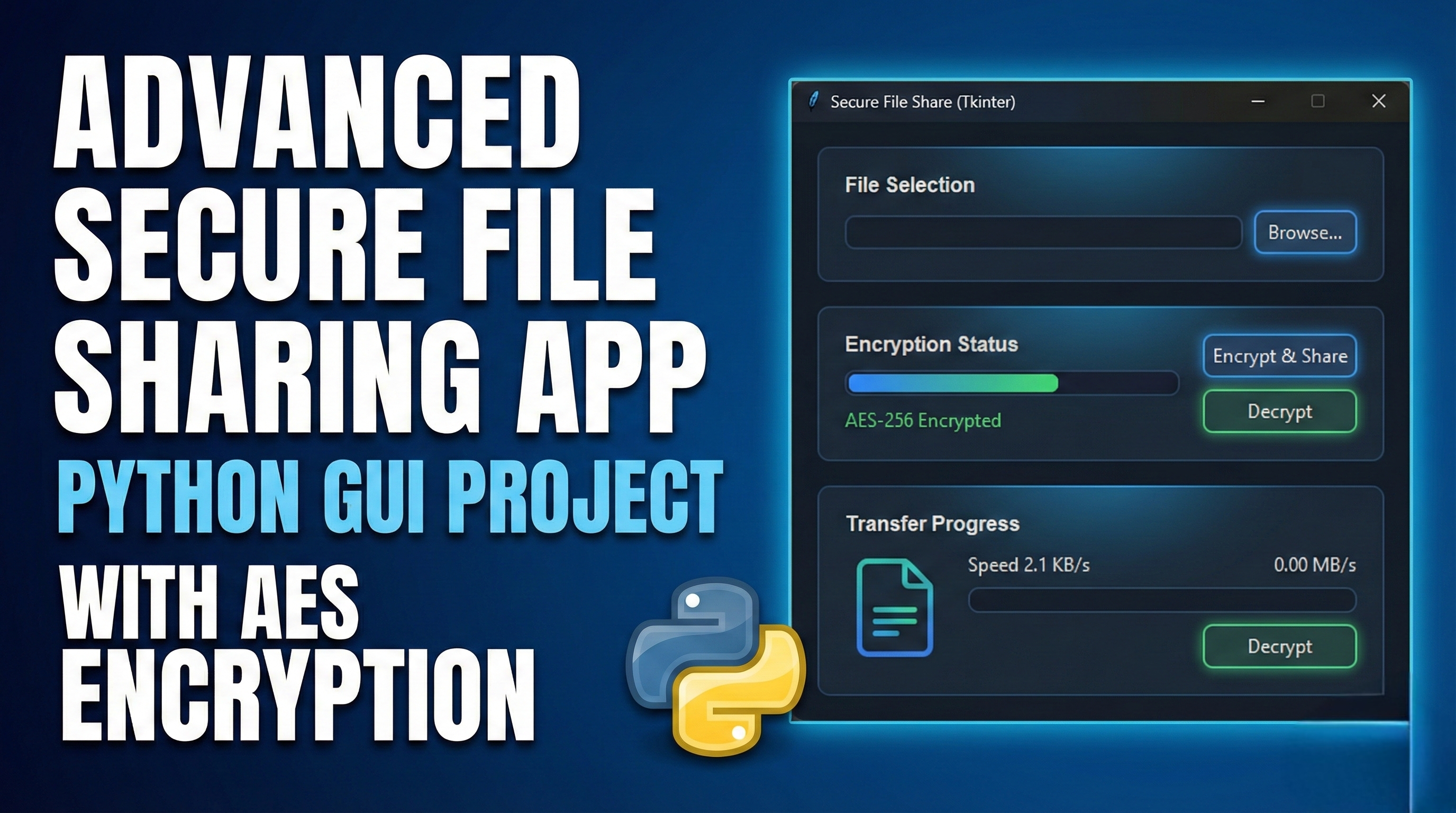
Features of this Secure File Sharing App:
🔒 Security Features:
- AES-256 Encryption - Military-grade encryption with CBC mode
- PBKDF2 Key Derivation - Secure password-based key derivation
- Secure Key Management - Export/import with password protection
- File Integrity Verification - SHA-256 hashing for verification
- Secure Random Generation - Uses cryptographically secure random
📊 Advanced GUI Features:
- Modern Dark Theme - Eye-friendly interface
- Tabbed Interface - Organized workflow
- File Preview - Detailed file information
- QR Code Generation - Easy key and link sharing
- Real-time Status Updates - Operation feedback
🔄 File Operations:
- Encrypt/Decrypt Files - With password protection
- Secure File Sharing - Generate share links with expiry
- Batch Operations - (Can be extended)
- Auto-delete Option - Remove source after encryption
📋 Management Features:
- Operation History - Track all activities
- Key History - Monitor key generation
- Share Management - Track shared files
- Settings Persistence - Save user preferences
🛡️ Additional Security:
- Password Generation - Secure random passwords
- Clipboard Management - Secure copying
- File Hash Verification - Ensure file integrity
- Export Protection - Password-protected key exports
Installation Requirements:
bash
pip install cryptography pillow qrcode pyperclip
Usage Instructions:
- Run the application:
bash
python secure_fileshare.py
- First-time setup:
- The app will generate encryption keys automatically
- Save your keys securely
Encrypt a file:
- Browse and select a file
- Enter a strong password
- Click "Encrypt File"
Share files:
- Encrypt the file first
- Go to Share tab
- Enter recipient details
- Generate share link/QR code
Manage keys:
- Export keys for backup
- Import keys when needed
- Generate new keys periodically
Security Best Practices:
- Use strong passwords - At least 16 characters with mix of characters
- Regular key rotation - Generate new keys periodically
- Secure key storage - Keep exported keys in secure location
- Verify recipients - Only share with trusted parties
- Monitor history - Regularly check operation logs
Future Enhancements:
- Network Sharing - Direct P2P file transfer
- Cloud Integration - Secure cloud storage backup
- Multi-factor Authentication - Add 2FA for sensitive operations
- Audit Logging - Detailed security logs
- Digital Signatures - Verify file authenticity





Comments