Our Products

product

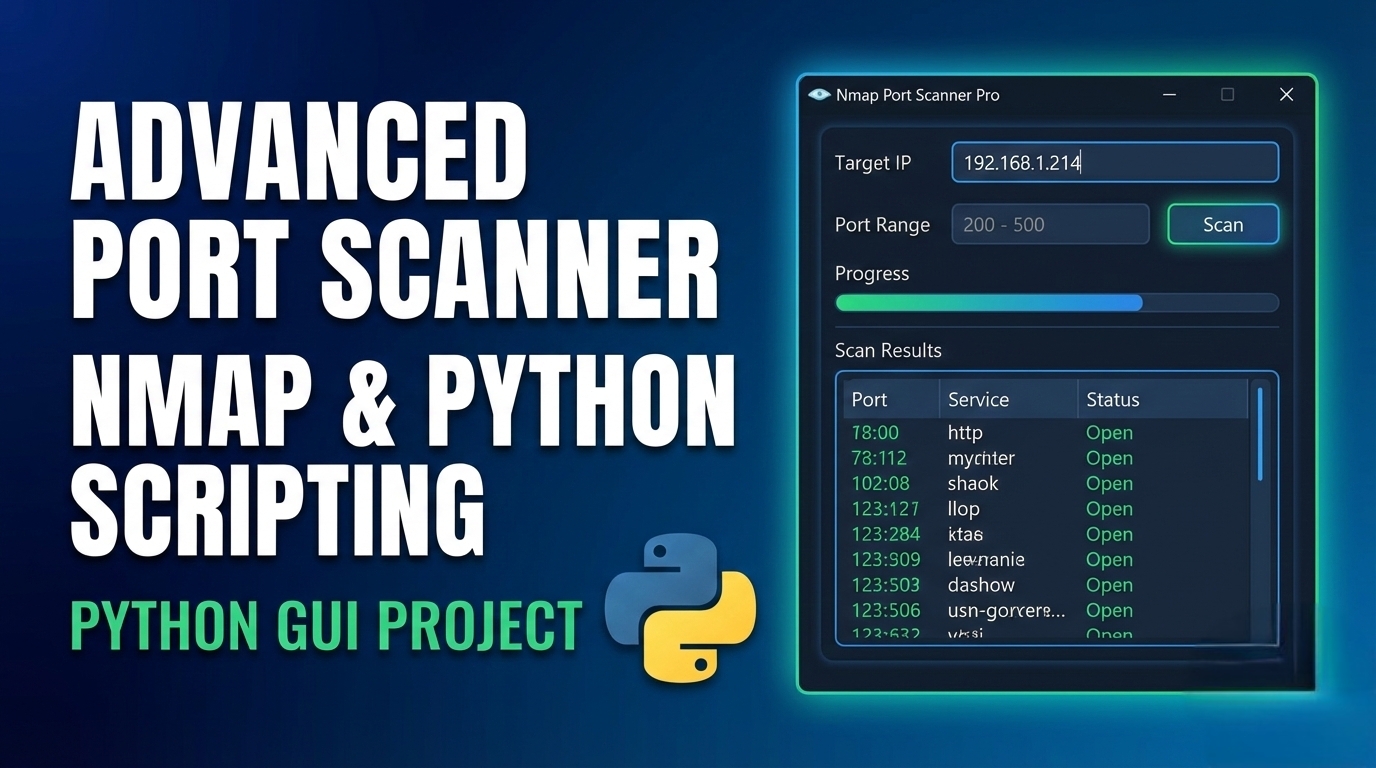
Features of this Advanced Port Scanner:

1. User-Friendly GUI

  • Modern dark theme interface
  • Organized sections for different functionalities
  • Real-time results display
  • Responsive design

2. Scanning Capabilities

  • Multiple scan types (SYN Stealth, TCP Connect, UDP, etc.)
  • Custom port ranges with presets
  • Timing templates (Paranoid to Insane)
  • Service version detection
  • OS detection
  • Script scanning

3. Advanced Features

  • Real-time output parsing
  • XML output processing
  • Scan history with save/load functionality
  • Export results to multiple formats (TXT, JSON, XML)
  • Target validation
  • Nmap path auto-detection

4. Technical Features

  • Multi-threaded scanning (prevents GUI freezing)
  • Progress tracking
  • Error handling
  • Configurable options

Requirements:

  1. Python 3.6+
  2. Nmap installed on your system
  3. Required Python libraries (all standard):
  • tkinter (usually included with Python)
  • json
  • subprocess
  • threading
  • datetime
  • xml.etree.ElementTree
  • ipaddress
  • socket
  • re

Installation:

  1. Install Nmap:
  • Windows: Download from https://nmap.org/download.html
  • Linux: sudo apt-get install nmap (Debian/Ubuntu) or sudo yum install nmap (RHEL/CentOS)
  • macOS: brew install nmap
Save the Python script as advanced_port_scanner.py Run the application:

bash

python advanced_port_scanner.py

Usage:

  1. Enter target (IP, hostname, or range)
  2. Set port range or use presets
  3. Choose scan type and options
  4. Click "Start Scan"
  5. View results in real-time
  6. Save/Export results as needed

Notes:

  • The scanner requires administrative/root privileges for some scan types (like SYN stealth scans)
  • First run may be slower as it detects Nmap installation
  • History is saved automatically between sessions
  • All scans are logged to history for easy reference


Comments

Leave a Comment

Comment*

Reviews

Write Your Reviews

(0.0)

comment*

Up to Top