Installation Requirements
Create a requirements.txt file:
txt
scapy=2.5.0
PyQt5=5.15.0
Installation and Usage
- Install dependencies:
bash
pip install -r requirements.txt
- Run the application:
bash
sudo python packet_sniffer.py
Note: Administrative privileges are required for packet capture.
Features
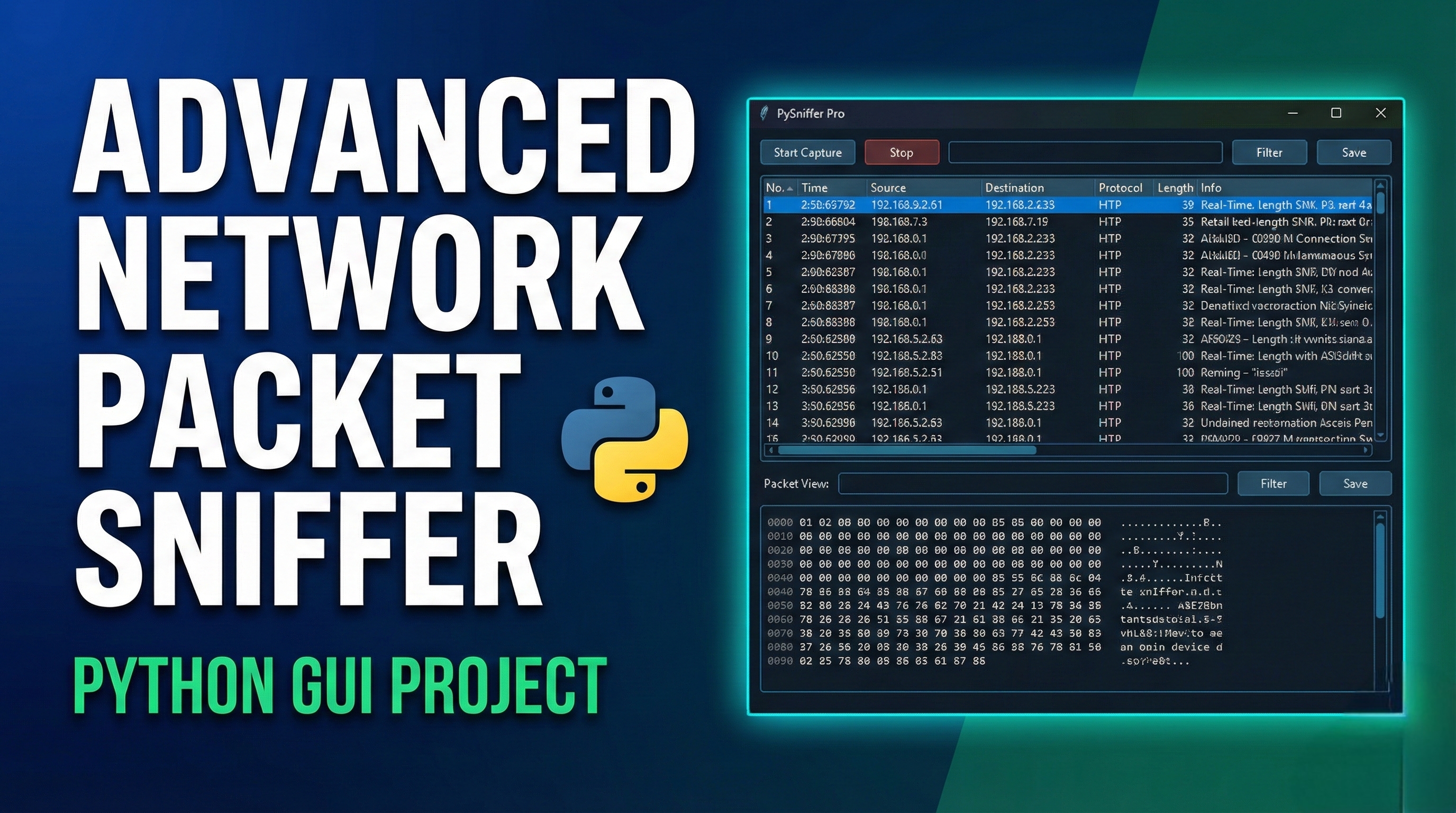
1. Live Packet Capture
- Real-time packet capture from selected interface
- Automatic protocol detection (TCP, UDP, HTTP, ICMP, ARP)
- Color-coded protocol display
2. Packet Analysis
- Detailed packet dissection showing all layers
- Hex view with ASCII representation
- Protocol-specific information extraction
3. Filtering Capabilities
- Basic filter syntax support
- Filter by protocol, IP address, port number
- Real-time filtering
4. Statistics
- Protocol distribution statistics
- Packet count tracking
- Real-time statistics updates
5. File Operations
- Save captured packets to PCAP format
- Load PCAP files for analysis
- Export capabilities
6. User Interface
- Modern PyQt5 GUI
- Split-pane layout
- Intuitive toolbar and menus
- Status bar with real-time information
Key Components
- Main Window (PacketSniffer): Primary GUI container
- Packet Table: Displays captured packets in list format
- Packet Details Tree: Shows hierarchical packet structure
- Hex View: Displays raw packet bytes
- Statistics Panel: Shows protocol distribution
- Capture Thread: Separate thread for non-blocking packet capture
Usage Tips
- Start Capture: Click the play button or select "Start Capture" from menu
- Stop Capture: Click the stop button
- View Details: Double-click on any packet in the table
- Apply Filter: Enter filter text and press Enter or click Apply
- Save Data: Use File → Save Packets to export captured data
Security Notes
⚠️ IMPORTANT:
- This tool should only be used on networks you own or have permission to monitor
- Unauthorized packet sniffing may be illegal in your jurisdiction
- Always ensure you have proper authorization before capturing network traffic
- Use only for educational purposes, security testing (with permission), or network troubleshooting




Comments